1) Confirm what “offline” means
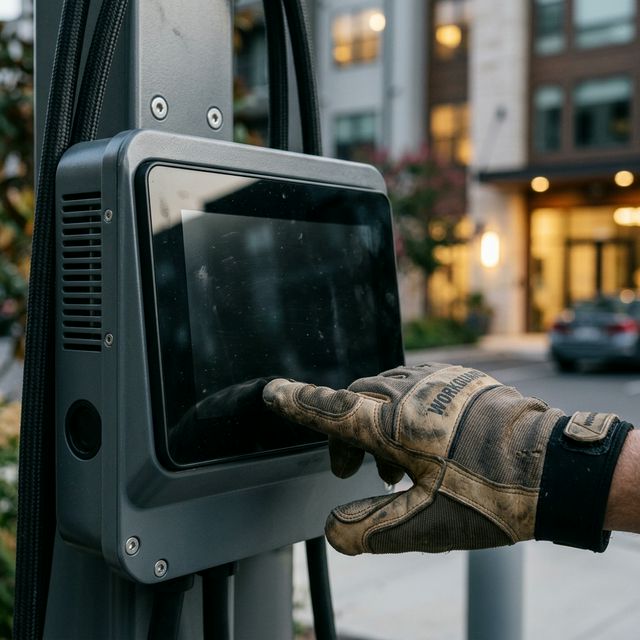
- Dark screen (no power or internal fault)
- Frozen UI (software lockup)
- Network offline (cell/Wi‑Fi/backhaul issue)
- Payment errors (reader, backend, or configuration issue)
2) Safe reset checklist (property manager friendly)
- Take photos of the screen/error and the unit label/serial (helps support & techs).
- If you have access to the breaker panel, perform a controlled power cycle (off 60 seconds → on).
- Wait 5–10 minutes for boot and connectivity to re-establish.
- Test with a known-good vehicle/connector if available.
Safety note: If you see frayed cables, exposed wiring, or cracked holsters, do not operate the station. Mark it out of service and escalate to repair.
3) When it’s time to call a pro
- Repeated offline events after resets
- Physical damage, overheating, tripping breakers
- Multiple units down at the same site
- “Orphaned” installs (original installer unresponsive/out of business)
Need ChargePoint repair in Melbourne, FL?
VoltGuard provides EV charger repair and preventative maintenance for apartments, HOAs, and commercial properties in the 32940 area.
ChargePoint Repair Service